Asia 1st Internet Advertising & Digital Media Marketing Company
Digital MarketingDigital MarketingDigital Marketing
0337-7555540
sales@yis.solutions
D.H.A. Phase 7, Karachi, Pakistan

4 Columns : Full Width

Top 6 Lead Generation Trends to Watch for in 2025

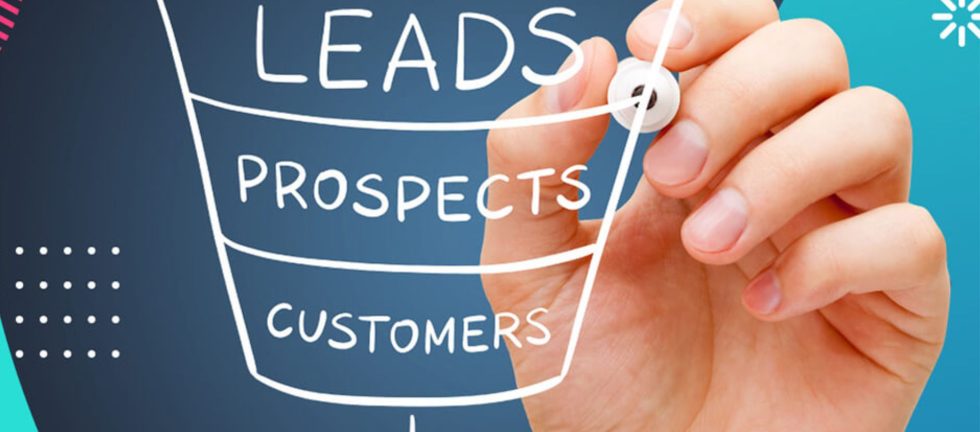
As we approach 2025, lead generation will continue to evolve. Technological advancements and shifting consumer behaviors have made sales cycles more complex, making it crucial for businesses to stay ahead of the curve. Whether you’re looking to refine your lead generation strategies or need fresh insights, this blog post is for you. We’ll explore the…
Read more

What is an email server?

When you send an email, an email server is a software program that picks it up and delivers it to your subscribers’ inboxes. There are two main types of email servers: How does an email server work? Email servers distribute emails using protocols that tell them where and how to direct emails. Protocols can have various functions, such as: Once you send an email, an outgoing email server will check the recipient’s domain name system (DNS) and translate it into an IP address the incoming server uses to deliver the message to the right destination. Once the incoming server forwards your message to the recipient’s inbox, their inbox provider checks your IP address and sender reputation to decide whether to deliver the email and which folder to place it in. The server will bounce the email if it runs into an issue, such as: Why are email servers important for email marketing? Besides delivering your emails to a single address, email servers can distribute them to your entire email list or chosen customer segments in no time. For this reason, they’re key in making sure your email marketing initiatives have high deliverability. You can monitor your email deliverability, evaluate your email performance, identify bottlenecks, and make changes to maintain a stellar sender reputation. Makes it easy to send email campaigns and flows to stay connected with your target audience.
Read more

Instagram vs. facebook: what’s the better marketing avenue?

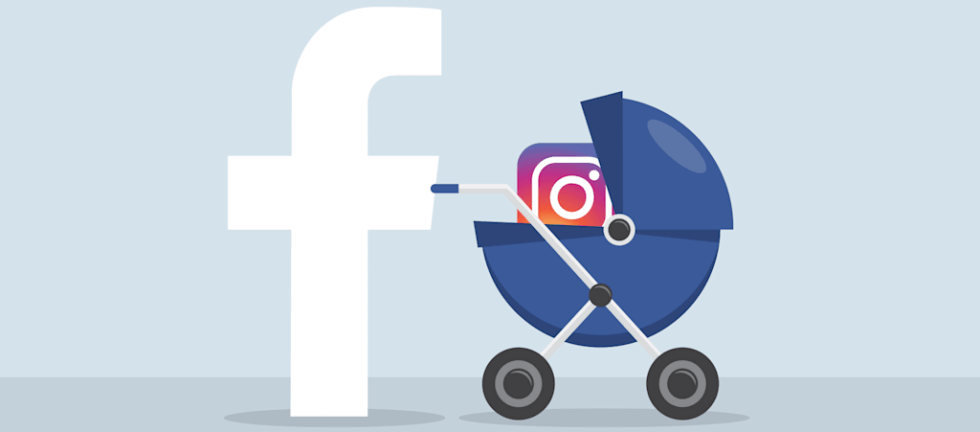
When Facebook bought Instagram in 2012, were they preparing to train a successor? Back then, the billion-dollar acquisition was a bold move, and many criticized Facebook for spending so much on a dinky photo app run by just 13 employees. No one questions the move now, however; although exact amounts are unknown, rough estimates put Instagram’s current value at around $102 billion, ten times the acquisition cost. To be fair, Instagram can’t compete with Facebook on the sheer number of users. Instagram’s 800 million monthly users may have made it the third most popular social media channel, but it’s still a far cry from reigning champion Facebook’s 2 billion monthly users. So why not invest all your digital marketing money in Facebook and reach twice as many people? Because, as we explain below, it’s not about the quantity of impressions, it’s about the quality. And for digital brands targeting younger (< 30 y.o.) groups, your marketing dollars might go further on Instagram, especially for visual industries like fashion, beauty, or even architecture. Later, we’ll explain how to shift your strategies to make the most out of marketing on both platforms. But first, let’s look at how a relatively smaller channel can make bigger waves. It’s all about their DNA, which, for social media, is another way to say their algorithms. Instagram vs. Facebook: the algorithms Long story short, it’s not about your visibility per se, but more about your visibility with the right people. Getting back to basics for a moment, the algorithm for a social media feed refers to the actual code that determines which posts are seen by which users, and in what order. Long gone are the days of chronological feeds where posts appear in the order they were published—and good riddance, frankly, considering this organization structure doesn’t scale well when you follow hundreds of accounts. So, social media channels use algorithms to give you a more fulfilling experience, where you see more posts you actually like and less of irrelevant ones from your weird aunt. But don’t pat these channels on the back for their altruism—the algorithm also gives them more control over their advertising ventures. As you can imagine, this isn’t an exact science, so each social media channel has to shoot in the dark a little when determining the right criteria on which to organize their feeds. Therein lies the difference between marketing on Facebook versus marketing on Instagram. So what does Instagram’s algorithm do better for marketing? The actual algorithms are unknown trade secrets, but Alfred Lua of Buffer researched both the algorithms for Facebook and Instagram, and came up with some speculations that proved accurate when tested. These are the factors that determine a single (non-advertisement) post’s rank. Instagram’s Algorithm Facebook’s new algorithm The goal of the update was to prevent fraudulent news stories by encouraging more personal conversations, but the consequence is less exposure to brands and public content. It seems like a coordinated strategy with Facebook compartmentalizing its two channels. Minimizing third-party exposure on Facebook will return the channel to its more personal social roots with friends and family, while simultaneously drumming up business for its advertising (it’s not harder for brand posts to be seen for free). But social media marketers can still promote their brand on Instagram for free, and with even better results, as long as the content is sound. Instagram vs. Facebook: marketing effectiveness Now that we’ve looked behind the scenes, let’s look at what’s happening on the main stage. To wrap a nice bow around it, Instagram is better for direct marketing: engaging with customers, spreading awareness, showcasing new products/services, comparison shopping, and influencer marketing. Furthermore, Instagram is a powerhouse for the under-30 demographic, especially teens. Facebook, on the other hand, remains the best for visibility with older age groups, as long as you’re using paid advertisements. It’s also worth noting Facebook makes it easier to funnel users to a third-party site like an online store. Instagram prohibits link sharing in posts and comments, and any outside links appear in your bio only; the extra steps required to visit your site make it harder to generate traffic. A lot of it boils down to the motives of each person using each site. In principle, Facebook tries to be more about personal interactions and sharing content with people you know. As such, 40% of Facebook users don’t like engaging with companies at all, preferring more intimate connections. Instagram, though, places more emphasis on discovery and observation and less on interaction—although ironically, their engagement rate is much higher. Particularly for Millennials, Instagram is seen as a style resource, an ideal place for learning new trends and discovering new artists, as well as keeping up with their favorite celebrities. As you can see by the chart below, Instagram dominates industries like fashion, beauty, interior design, architecture, photography and celebrity news. This makes Instagram better for influencer marketing and free exposure; users on Instagram more often sign on actively looking for product recommendations, as opposed to Facebook where they actively ignore them. Instagram’s other advantage is customer engagement. A 2014 Forrester study put Facebook’s engagement rate at 0.7%, a huge lag behind Instagram’s 4.21%. A Selfstartr study brings more up-to-date statistics: Only 32% of Facebook users regularly interact with brands, compared to 68% of Instagram users. Their final tally cites that brands receive 58x more engagement per follower on Instagram than on Facebook. A lot of that has to do with Facebook followers not even seeing the posts in the first place, thanks to the algorithm. According to the above Selfstartr report, while Instagram brands reach 100% of their audience per post, that number drops drastically to 6% for Facebook. Maybe it’s the mindset of users, or perhaps the limitations Facebook’s new algorithm puts on brands, or maybe it’s simply the culture of each channel. Regardless, Instagram is the winner for having an actual back-and-forth with customers. And let’s not forget the presence of competition or lack thereof. The presence of marketers on Facebook is nearly 3x that of
Read more

Email marketing trends in 2025

“The global e-mail marketing market was valued at $7.5 billion in 2020 and is projected to increase to $17.9 billion by 2027.” At least, that’s what Statista says. Want to get successful in your industry? Adopt the newest email marketing trends, and success is bound to come your way. After all, being a progressive business on the…
Read more

The 8 SEO Trends That Will Shape Search in 2025

“SEO is dead.” That’s an easy conclusion to come to after the last few years. Turbulent rankings, increased zero-click searches, and AI-fueled SEO heists feel like the final nails in the search coffin. The truth is, what actually died is the 2015 version of SEO. It’s no longer just about climbing a list of little…
Read more

Find Out Why Email Marketing Is Important: 11 Reasons Why You Should Invest

What’s the first thing you do when you wake up every day? I won’t be guessing, but various studies show that you might be one of the 60% of people who check their email. And if you’re a marketer at the same time, I can see your eyes glow, thinking: “Whoo, smells like high conversions on an empty stomach.”   Jokes aside, email marketing is the most direct and cost-effective way to reach your audience and stay on top of their minds. Without much further ado, let’s dive right into what makes it so compelling. Email marketing has the highest ROI With an average ROI of $40 for every dollar spent—outperforming SEO ($22) and keyword ads ($17)—email marketing is a high-return powerhouse. But why?  It’s because email marketing leverages minimal resources, personalized messaging, and direct access to consumers. Here’s a quick breakdown of the key reasons email marketing can provide such a high ROI: So far so good, but I don’t want to keep a high ROI as just a promise. Here’s a micro case study from a Canadian business to give you the bigger picture.  Despite its robust online presence, Eternity Modern, a Vancouver-based high-end home decor brand, lacked an email marketing strategy. Recognizing the potential of email marketing, the company developed a strategy from scratch, implementing: Results: Email marketing requires minimal operational costs As indicated, email marketing requires minimal resources to set up and maintain. You only need a reliable email marketing services provider, basic infrastructure, and a copywriter or designer. Sure, costs might grow as you scale the business, but they are still lower than other digital marketing channels.  For comparison, if you invest in blogs instead of emails, you pay the writer, editor, designer, and any tools you subscribe to for content creation and other supplemental efforts (think ChatGPT, Grammarly, etc.). You’ll also need to invest in a content analytics tool or an SEO suite that keeps track of your search rankings. Also, optimizing your articles would require further spending.  In contrast, email marketing is much cheaper and less labor-intensive. But I want to give you some numbers to put things in perspective.   This is more than enough for a small business or a startup to create highly targeted campaigns. But even if you’re an enterprise with a bigger subscriber base, the cost remains manageable.  For instance, if you send up to 100K emails a month and have 25K contacts, the email delivery platform costs only $85.​  That sounds cool, but I’d like to draw your attention to a simple, low-cost email campaign that yielded great results. It should help better understand the context of low operational cost. Shiree Odiz, a small luxury jewelry brand, drove $69,400 in quarterly revenue from abandoned cart emails. Focusing on personalized subject lines and minimal design tweaks, the brand caught the attention of loyal customers without pressuring them to buy from the brand. This campaign recorded a 41.4% open rate and a 1.4% click-through rate. Given the industry and the type of email, these metrics are more than satisfactory. In addition, there was a follow-up email with a small discount sent to users who didn’t engage with the first abandoned cart email. In tandem, these seemingly simple re-engagement emails generated the revenue mentioned earlier.  Pro Tip: Note how Shiree Odiz’s first (abandoned cart) email is HTML including product images and a prominent CTA. Whereas the follow-up is plain text. This simple trick may improve conversions and engagement with the follow-up as recipients typically see plain text as more personal.  Email marketing helps acquire new customers at a low cost Over the past eight years, customer acquisition costs have skyrocketed, the main drivers being increased competition, rising ad platform costs, and inefficient campaigns.  The trend sounds alarming, especially if you’re a startup or aim to scale your business. But you guessed it, email marketing is the light at the end of the tunnel. Let’s dive deeper into why: The primary reason is that email marketing boasts a significantly lower cost per lead (CPL) than other channels: This difference stems from the following: And, as always, it pays to examine an industry example closely to get a ballpark idea of how cost-effective customer acquisition is with email marketing.  Important Note: I have to stress that all this assumes you have a tactful lead magnet. Don’t shy away from using other channels to disseminate the magnet. This setup can drive great results as long as the key conversion/point of engagement happens with email.  Take InfoShare Academy, an intensive programming courses provider. They tackled the challenge of converting tech enthusiasts into students by creating a strategic lead generation campaign and promoting it via social media and email marketing.  They offered a beginner-friendly eBook, “The 125 Coding Terms for Beginners,” showcasing InfoShare’s expertise and promoted it via targeted Facebook ads. The ads were just used to reach the targeted avatar, and the goal was to get the lead’s email address. Interested parties who clicked the link got funneled from social media to a landing page and, from there, into a qualified email list.  A follow-up email sequence educated prospects on programming careers, positioning their courses as the ideal next step. The campaign delivered results beyond the brand’s expectations, including: Expert Tip: The education and courses industries have historically had some of the highest engagement and conversion rates due to the nature of the business. If you’re in SaaS, e-commerce, or other industry, the numbers could be lower but not insignificant.  Email marketing fosters direct and personalized communications Email marketing allows businesses beyond superficial personalization (e.g., adding the recipient’s name). Instead, it enables brands to create meaningful, tailored experiences through segmentation and automation. Here’s how: As always, I’ll reference a real campaign that leveraged key user data to create personalized messages that cut through the inbox noise.  Note: The email case study is from 2017, but it’s still highly relevant as it shows the power of tactfully using customer data for marketing purposes.  The aviation space is fiercely competitive, which is why EasyJet, wanted
Read more